JD Fortune GCash Deposit Not Showing: Troubleshooting Failed Transactions
JD Fortune GCash Deposit Not Showing: Troubleshooting Failed Transactions
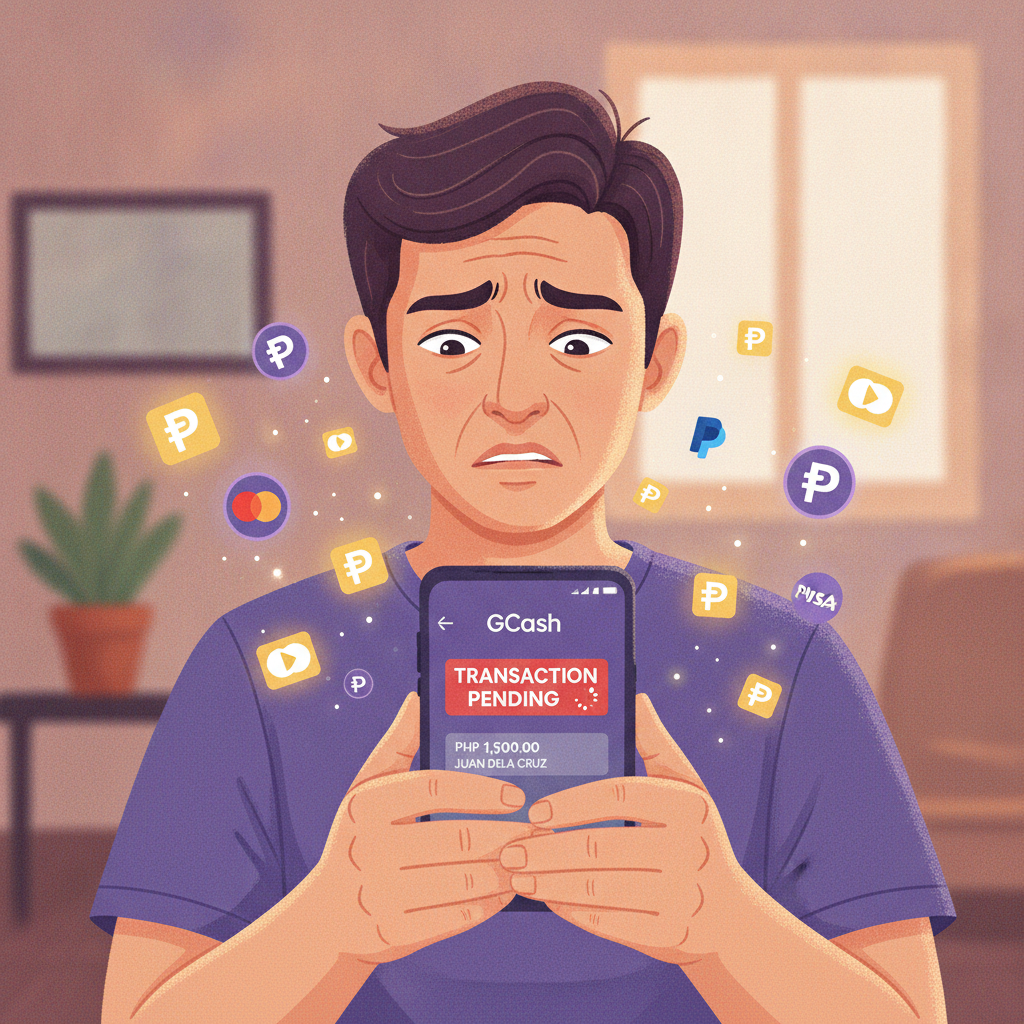
When your GCash deposit to JD Fortune doesn't reflect in your casino balance, it's frustrating—especially when you're ready to play. Most missing deposits are resolved within a few hours once you know where to look and what information to provide. This guide walks through the common causes, how to check transaction status on both platforms, and the exact steps to get your money credited.
This page is for players aged 21 and over. If you feel your gambling is becoming a problem, set deposit limits in your account or contact PCSO or other local support services.
Why GCash Deposits Fail or Don't Reflect in Your Balance
Several technical and procedural issues can prevent your GCash payment from landing in your JD Fortune account:
Incorrect reference number or account details
If you typed the wrong player ID, username, or payment reference during the GCash transaction, the operator's system won't know which account to credit. JD Fortune typically asks you to copy a unique deposit reference or select your username from a drop-down; pasting the wrong string sends your payment into limbo.
Network timeout during confirmation
Mobile data drops and slow Wi-Fi can interrupt the final handshake between GCash and JD Fortune's payment gateway. Your GCash app may deduct the amount and show "Processing," but the casino never receives confirmation that the transaction completed.
Maintenance windows on either platform
GCash schedules system upgrades—often late at night or early morning—and JD Fortune's payment processor may also go offline briefly. Transactions initiated during these windows can hang in pending status for hours.
Daily or monthly GCash wallet limits
GCash imposes a ₱100,000 monthly transaction cap for fully verified accounts and lower limits for basic KYC tiers. If you've hit your limit, the app will still let you authorize a payment but the transaction will fail on GCash's backend, sometimes without a clear error message.
Insufficient GCash balance or expired linked card
If your GCash wallet balance is too low and your backup credit or debit card expired or was declined, the app may show a "successful" screen while the payment actually bounced. Always refresh your GCash wallet balance before assuming the money left your account.
Delayed batch processing
JD Fortune and its payment gateway often process GCash credits in batches rather than in real time. During peak evening hours—when thousands of players deposit simultaneously—it's normal for crediting to lag 10–30 minutes behind the GCash timestamp.
How to Check Transaction Status in GCash App and JD Fortune Account
Before contacting support, confirm whether the money actually left your wallet and whether JD Fortune has any record of the transaction.
In the GCash app
- Open GCash and tap Transaction History on the home screen.
- Look for the payment to JD Fortune or the payment gateway name (it may appear as a third-party merchant, not "JD Fortune" exactly).
- Tap the transaction row to view the full receipt, including date, time, reference number, amount, and status.
- Check the status field:
- Success means GCash deducted the funds and sent confirmation to the recipient.
- Pending means the transaction is still being processed by GCash or the gateway.
- Failed or Reversed means the money was returned to your wallet (refresh your balance to confirm).
Take a screenshot of the receipt showing the reference number, timestamp, and amount. You'll need this if you escalate to JD Fortune support.
In your JD Fortune account
- Log in to JD Fortune on your mobile browser or app.
- Tap the menu icon (three lines) and go to Transaction History, Wallet, or Deposit Records (the exact label varies).
- Look for an entry matching the amount and time of your GCash payment.
- If you see the deposit listed as Pending, wait another 30–60 minutes; the casino is likely processing a batch.
- If nothing appears after two hours and your GCash receipt says "Success," you have a missing-deposit case.
Steps to Resolve Pending or Missing Deposits
Work through these steps in order. Most issues resolve at step one or two.
1. Wait 30–60 minutes and refresh
Batch processing can cause delays even when both GCash and the payment gateway report success. Clear your browser cache or force-close the JD Fortune app, then log back in and check your balance. Many "missing" deposits appear during this waiting period.
2. Check for duplicate or partial transactions
If you tapped "Confirm" multiple times due to a slow connection, you may have created two GCash authorizations. Check your GCash transaction history for duplicate reference numbers on the same timestamp. If only one shows "Success" and the other shows "Failed," your deposit should still arrive; if both say "Success," you'll need support to verify that only one was processed by JD Fortune.
3. Verify your GCash balance was actually deducted
Refresh your GCash wallet. If the amount is still there, the transaction never completed—start a new deposit attempt. If the money is gone but the GCash receipt says "Failed" or "Reversed," wait up to 24 hours for GCash to return the funds; reversals are not instant.
4. Cross-check the reference number you entered
Go back to the JD Fortune deposit page and compare the reference code or username field you were supposed to use with the one on your GCash receipt. If they don't match, your payment went to the wrong reference and support will need to manually re-route it.
5. Try logging out and back in
Occasionally the JD Fortune app or mobile site caches an old balance. Log out completely, close the app or browser tab, then log in again. Check the wallet or transaction history page immediately after login.
6. Rule out account restrictions
If JD Fortune flagged your account for document verification or a security review, deposits may be held until you upload a valid government ID or answer additional questions. Check for email or in-app notifications asking you to complete verification.
When and How to Contact Support with Proof of Payment
If the deposit still hasn't appeared after 60–90 minutes and your GCash receipt confirms success, it's time to reach out.
Gather these details before you contact support
- GCash reference number (sometimes called transaction ID or trace number)
- Exact date and time of the transaction (screenshot is best)
- Amount in pesos you sent
- Your JD Fortune username or player ID
- Screenshot of the GCash receipt showing "Success" status
- Screenshot of your JD Fortune transaction history showing no matching deposit
How to reach JD Fortune support
JD Fortune typically offers live chat, email, and sometimes a Viber or Telegram channel. Live chat is fastest during daytime hours.
- Live chat: Log in to your account, tap the chat or help icon (often a floating bubble in the corner), and choose "Deposit Issue" or "Payment Problem" from the menu.
- Email: Send your screenshots and the details above to the support email listed in the JD Fortune footer or Help section. Use a subject line like "GCash Deposit Not Credited – [Your Username]."
- Viber or Telegram: If the site lists an official support channel, send the same information there. Be wary of impersonators; only use the contact link published on the JD Fortune website.
What to include in your message
"I sent ₱[amount] via GCash on [date] at [time]. GCash reference number is [number] and shows Success, but my JD Fortune account [username] has not been credited. Please check and credit my account. Attached are screenshots of my GCash receipt and JD Fortune transaction history."
Expected response time
Live chat agents often reply within 5–15 minutes during business hours. Email and messaging apps may take 2–6 hours. If you don't hear back within 24 hours, follow up with the same screenshots and reference number.
Escalation
If first-level support cannot locate your transaction, ask to escalate to the payments or finance team. They have access to the payment gateway's backend logs and can manually verify whether the funds arrived and which account (if any) was credited.
Preventing Future GCash Deposit Issues
- Double-check the reference or username field every time before you confirm payment in GCash.
- Use a stable internet connection—switch to Wi-Fi or move to an area with strong mobile signal before initiating the transaction.
- Avoid depositing during known maintenance windows (usually announced on the JD Fortune homepage or social media).
- Keep your GCash app updated to the latest version to reduce compatibility bugs.
- Stay within your GCash transaction limits by checking your monthly cap in the GCash app settings.
- Save or screenshot every deposit receipt immediately so you have proof if something goes wrong.
Final Reminders
Most GCash deposit issues with JD Fortune resolve within an hour once you check transaction status on both platforms and provide the correct reference number to support. Keep your GCash receipts, stay patient during peak times, and reach out to live chat with clear screenshots when a deposit is genuinely missing.
JD Fortune is an online casino and sportsbook for players aged 21 and over. Gamble responsibly and only with money you can afford to lose. If you need help managing your play, use the deposit-limit and self-exclusion tools in your account settings.